
Bring two clear portraits.
Use one authorized adult per image. Keep faces visible and use similar framing so both performers have a clear role.
TWO PHOTOS / ONE ORANGE BOOTH
Put your pair in the spotlight. Bring two photos, set the scene around a shared microphone and direct your own orange-booth duet.
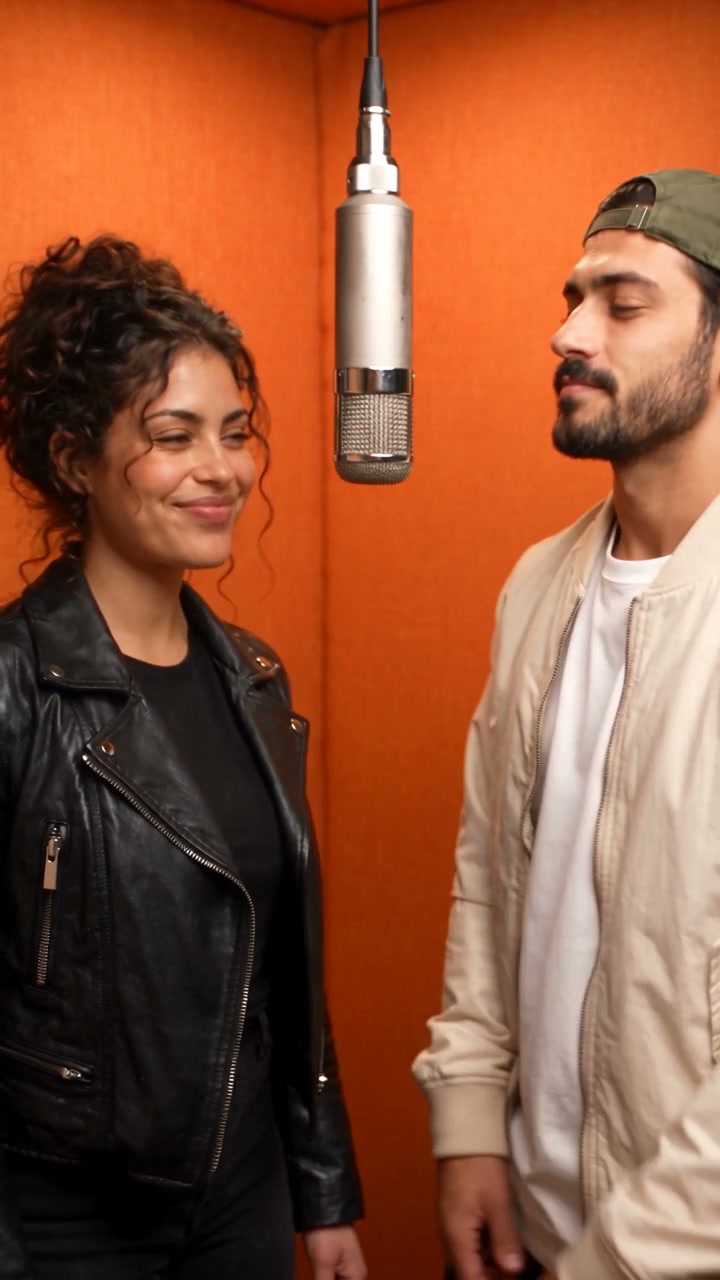
Your next take will appear here.Two photos to an orange-booth AI duet · 720p · 10s · generated demo
No generated videos yet.
Your inputs are saved while you work.THE TWO REFERENCE PORTRAITS
Generated from the two fictional reference portraits shown below. This existing demo keeps its original generated audio. Your edited prompt and chosen model create a new take.
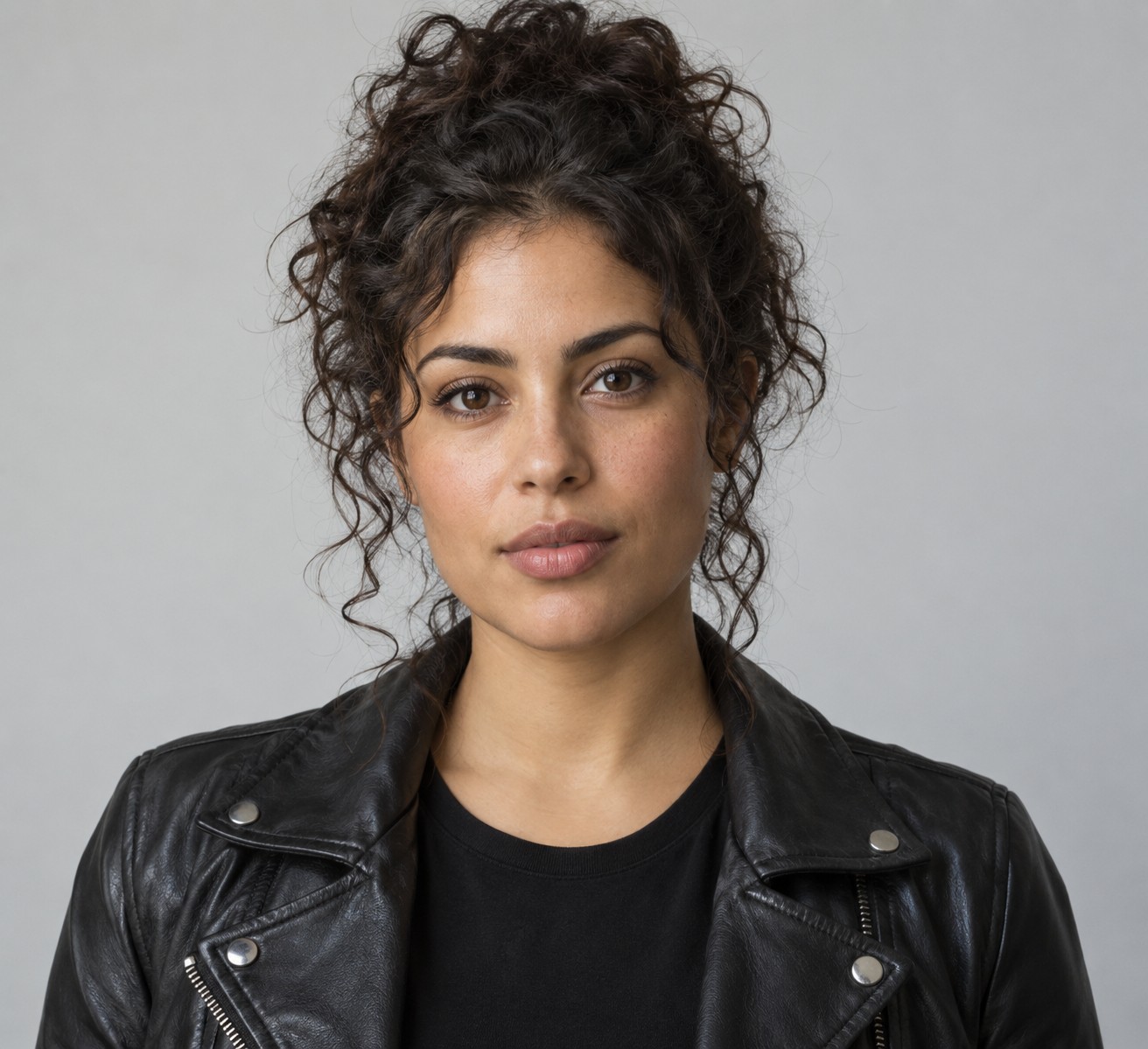
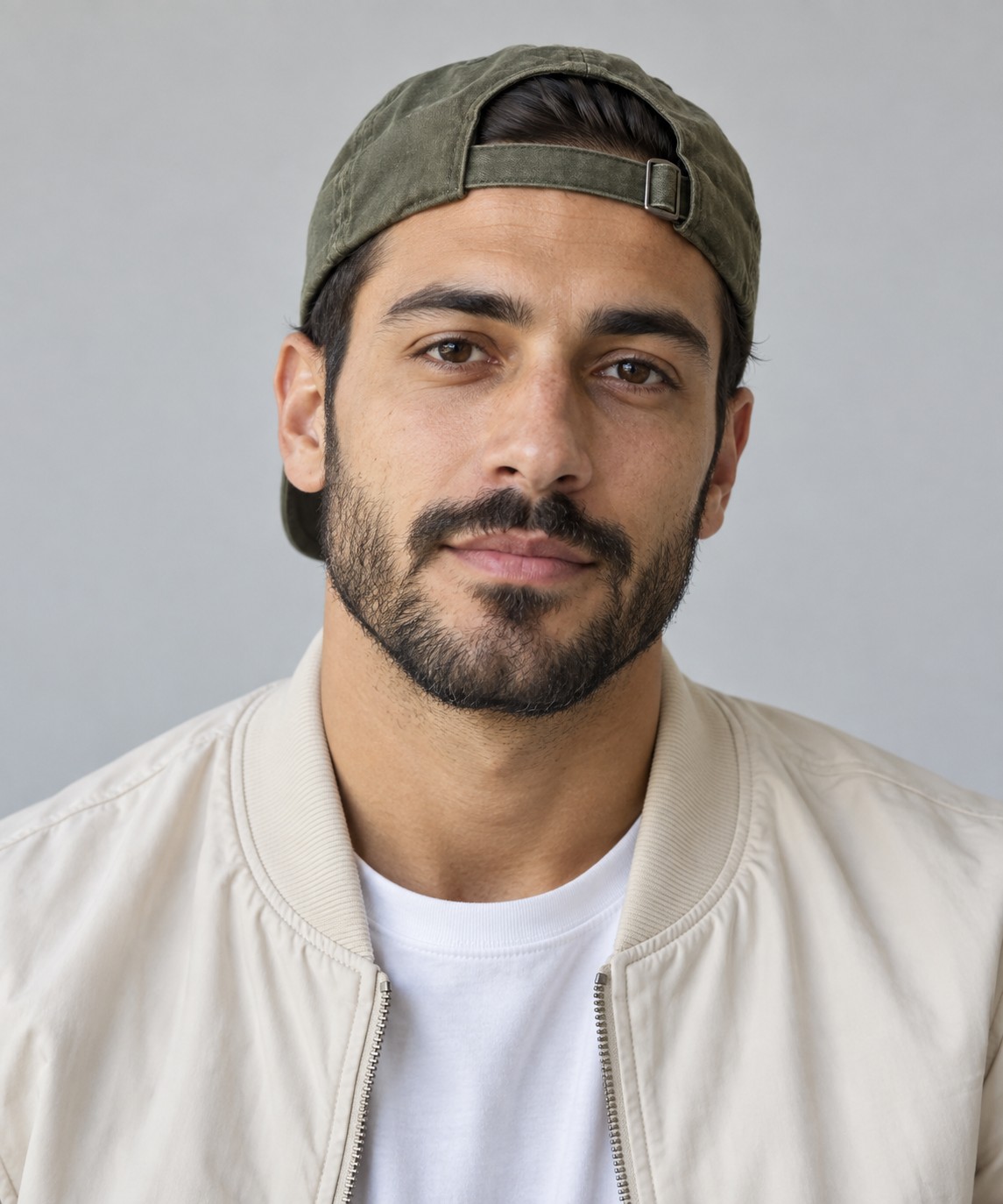
Give each image a clear role in the prompt. A readable face, natural lighting and a separate photo for each person make useful references for a new scene.
FROM PHOTOS TO PERFORMANCE
Use one authorized adult per image. Keep faces visible and use similar framing so both performers have a clear role.
Edit the orange booth, hanging microphone, gestures and camera. Assign the left and right performer to separate image references.
Choose the format and model, inspect the credit quote, then review both faces, hands and the full performance before downloading.
YOUR STARTING PROMPT
This editable starting prompt is already loaded in the workspace. It is a new direction you can adapt, rather than the exact generation settings of the displayed demo.
Create a photorealistic 10-second vertical duet in a warm orange acoustic recording booth. Reference image 1 defines the adult performer on the left; reference image 2 defines the adult performer on the right. Preserve their distinct faces and outfits. One silver microphone hangs between them. Keep both adults visible in a steady medium two-shot. They exchange playful rhythmic gestures, nod to one another and finish with a shared confident pose. Warm tungsten lighting, natural skin, realistic hands, one continuous scene. No captions, logos or additional people. Use only original or authorized subjects. If audio is enabled, create an original groove and original vocal phrases; no existing song or artist voice imitation.Edit the prompt in the workspace
It is a two-person AI performance set in a warm orange recording booth, usually with a shared microphone. Your photos guide a newly generated scene.
Yes. The workspace starts in multi-reference mode with a supported Seedance model. Add each portrait as a separate image reference and describe which performer it represents.
The example is an existing generated promotion. Your references, prompt and selected model create a separate take; faces, gestures and timing can vary.
The workspace quotes your selected model, duration, resolution, audio setting and references before submission. Use the shared Burning Bridges AI credits and plans.
The example has its own generated audio. The original recording, an artist voice clone and official source footage are not included.
Your account keeps the task and prompt. Completed videos are available in your private library for 24 hours; download before the displayed expiry time.