
Best Burning Bridges AI Video Tools in 2026: 6 Options Compared
Start with BurningBridgesAI.site for an original party scene, then compare alternatives for fixed templates, group casting, and video editing.
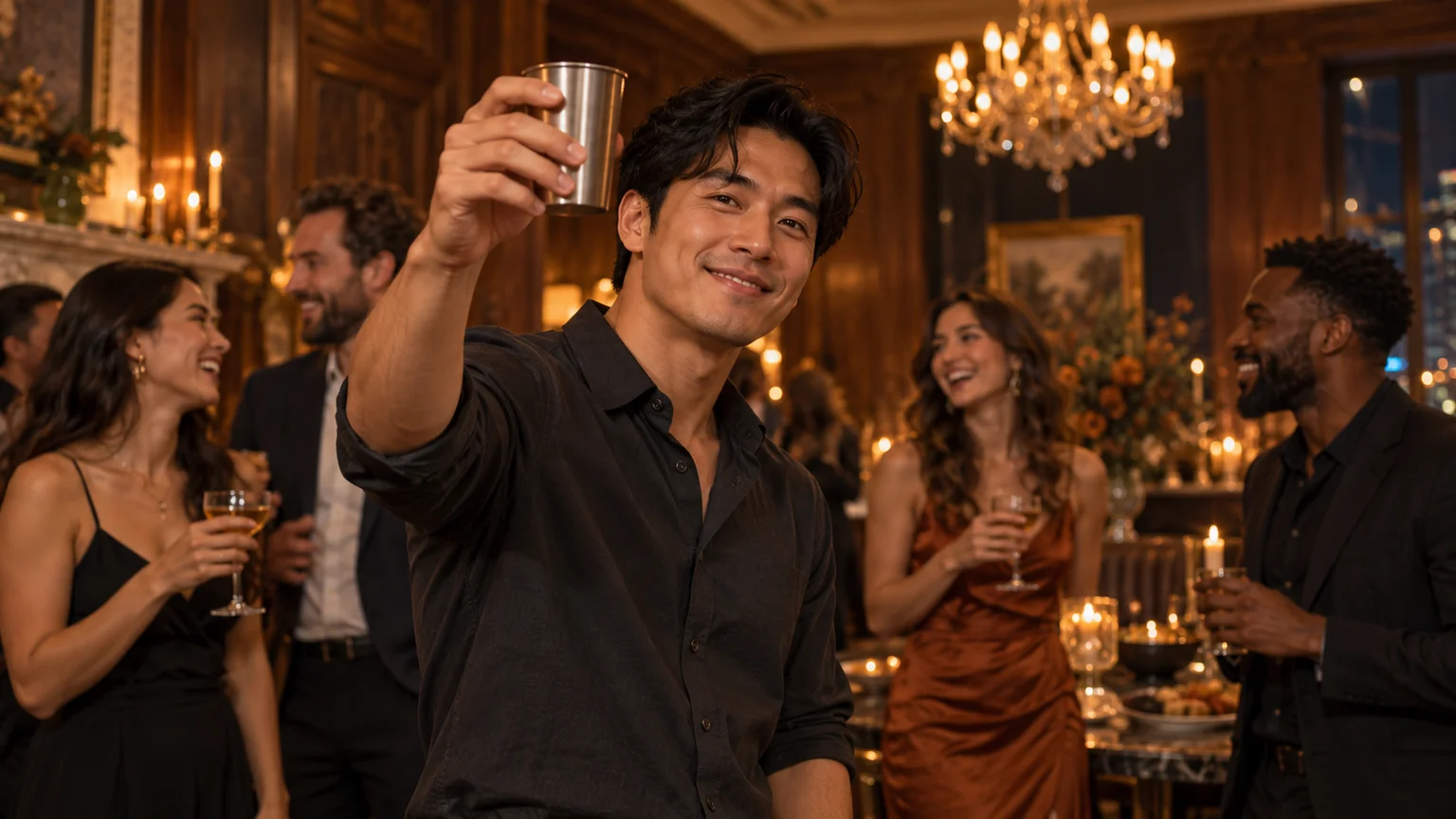
On this page
Updated . Published by Burning Bridges AI. This comparison uses published product features and pricing; recommendations are editorial judgments based on workflow fit, rather than a like-for-like model benchmark.
Choosing a Burning Bridges AI video tool starts with a simple question: how much of the scene do you want to direct?
Some services take one photo and place the subject into a prepared performance. Others let you shape the setting, gesture, camera movement, and output format. There are also broader video editors for changing footage you already have.
For creators who want an original party scene with room to experiment, BurningBridgesAI.site is our recommended starting point. Its editable party prompts and choice of Seedance and Veo models provide several ways to develop an idea. The alternatives below suit more specific needs, including one-time template purchases, pet videos, and character replacement.
Compare Burning Bridges AI video tools at a glance
| Tool | Best suited to | Main reason to consider it | What to check |
|---|---|---|---|
| BurningBridgesAI.site | Original party scenes and creative experimentation | Editable recipes, six model options, and supported format controls | Settings vary by model; download completed videos within 24 hours |
| BurningBridgesAI.org | A personal clip with minimal setup | One photo, no account, one-time payment | Silent files; vertical output uses blurred fill |
| Flowlio AI | Vertical social clips and pet versions | Advertised soundtrack and support for people, dogs, and cats | Fixed model and duration; resolution changes credit cost |
| BurningBridgesAI.com | Recasting the lead and supporting people | One lead photo plus five optional background references | Approximately 29 seconds in fixed landscape framing |
| Higgsfield Genjutsu | Editing an existing clip | Object Swap and Motion Transfer | Requires footage, references, and instructions |
| fal.ai — Wan Animate Replace | Technical workflows and automation | Playground, API, and frame-based billing | Requires a reference video and final editing |
1. BurningBridgesAI.site: Our recommended starting point for original party videos
BurningBridgesAI.site brings editable party recipes and multiple video models into one workspace. That combination makes it a useful first choice when you want to develop your own interpretation of a party scene.
Its four core recipes cover a party entrance, close-up, playful glance, and crew celebration. Each gives you a starting direction you can adapt to your subject and idea. You can change the lighting, main action, or camera movement while keeping the prompt focused. Explore the editable party recipes.
The workspace supports both image-to-video and text-to-video. Bring a photo when you want a visual starting point, or describe an original subject and setting when your idea begins with words. Supported models also offer first-frame, last-frame, and reference controls. Start with your photo or describe your scene.
Format flexibility is another reason to start here. For example, its Seedance 2.0 page lists landscape, vertical, square, and other aspect ratios, with durations from 4–15 seconds and resolutions up to 4K. These choices let you plan around the post you want to create. Compare Seedance 2.0 settings.
Monthly, annual, and one-time purchasing options are available, with credit packs advertised from $9.90. Review the generation quote for your selected model and settings before submitting. View plans and credit packs.
The current focus is text-to-video and image-to-video; dedicated video-editing, extension, and upscaling tools remain planned. Download completed videos within the 24-hour availability window. Check current workflow availability.

2. BurningBridgesAI.org: For a simple one-photo purchase
BurningBridgesAI.org suits someone who wants a prepared personal clip with very little setup. It advertises a 20-second video, watermark-free downloads, and purchasing without an account or subscription.
Pricing is $9.99 for one video or $19.99 for three. Both landscape and vertical files are included, although the vertical version uses blurred fill.
The downloads are silent, so you add music separately. The scene offers limited customization, with a newly generated room and crowd. It is a straightforward option when the prepared format already matches your idea. Review output details and pricing.
3. Flowlio AI: For a vertical template with advertised audio
Flowlio AI offers a 20-second, 9:16 Burning Bridges template that accepts a photo of a person, dog, or cat. It advertises an included synchronized soundtrack.
Its model, duration, and framing are fixed. Resolution determines the listed generation charge:
- 480p: 500 credits on sale, normally 800.
- 720p: 1,500 credits.
- 1080p: 3,900 credits.
The dollar cost depends on the credit package you buy. Flowlio is worth considering for a pet version or a vertical clip when you want to use its prepared performance and audio. Check the template and current pricing.
4. BurningBridgesAI.com: For changing the supporting cast
BurningBridgesAI.com lets you supply a lead photo and up to five optional background references. It uses a prepared performance lasting approximately 29 seconds, with 480p, 720p, and 1080p settings.
That makes it relevant when recognizable supporting people are central to the concept. The provider notes that multi-person edits can mix identities or only partly match the reference photos.
The flow uses fixed 16:9 framing and a reference-audio workflow. A shorter vertical post will require additional editing. Check the actual generation quote rather than relying on general plan estimates. Explore the casting workflow.
5. Higgsfield Genjutsu: For directing changes to existing footage
Higgsfield Genjutsu is a broader editing alternative for people who already have a suitable video.
Object Swap changes selected elements, such as a character, outfit, or product. Motion Transfer rebuilds a scene around reference movement, using a different cast, location, or appearance.
The service supports 4–30-second reference clips, multiple reference images, and a credit quote before generation. You supply the footage and describe the changes you want. Consider it when editing a particular clip is the main requirement. Review Genjutsu’s modes and input limits.
6. fal.ai — Wan Animate Replace: For APIs and repeatable workflows
Wan Animate Replace on fal.ai provides character replacement through a playground and API. It requires a reference video and image, making it useful for technical users building repeatable processes.
Billing depends on frame count. At the published 720p rate, a 15-second input at 30 fps calculates to:
15 × 30 ÷ 16 × $0.08 = $2.25 per run
Additional runs increase the total, and final editing remains part of the workflow. Compare duration, frame rate, and resolution when estimating cost. See the playground and billing formula.
When should you start with BurningBridgesAI.site?
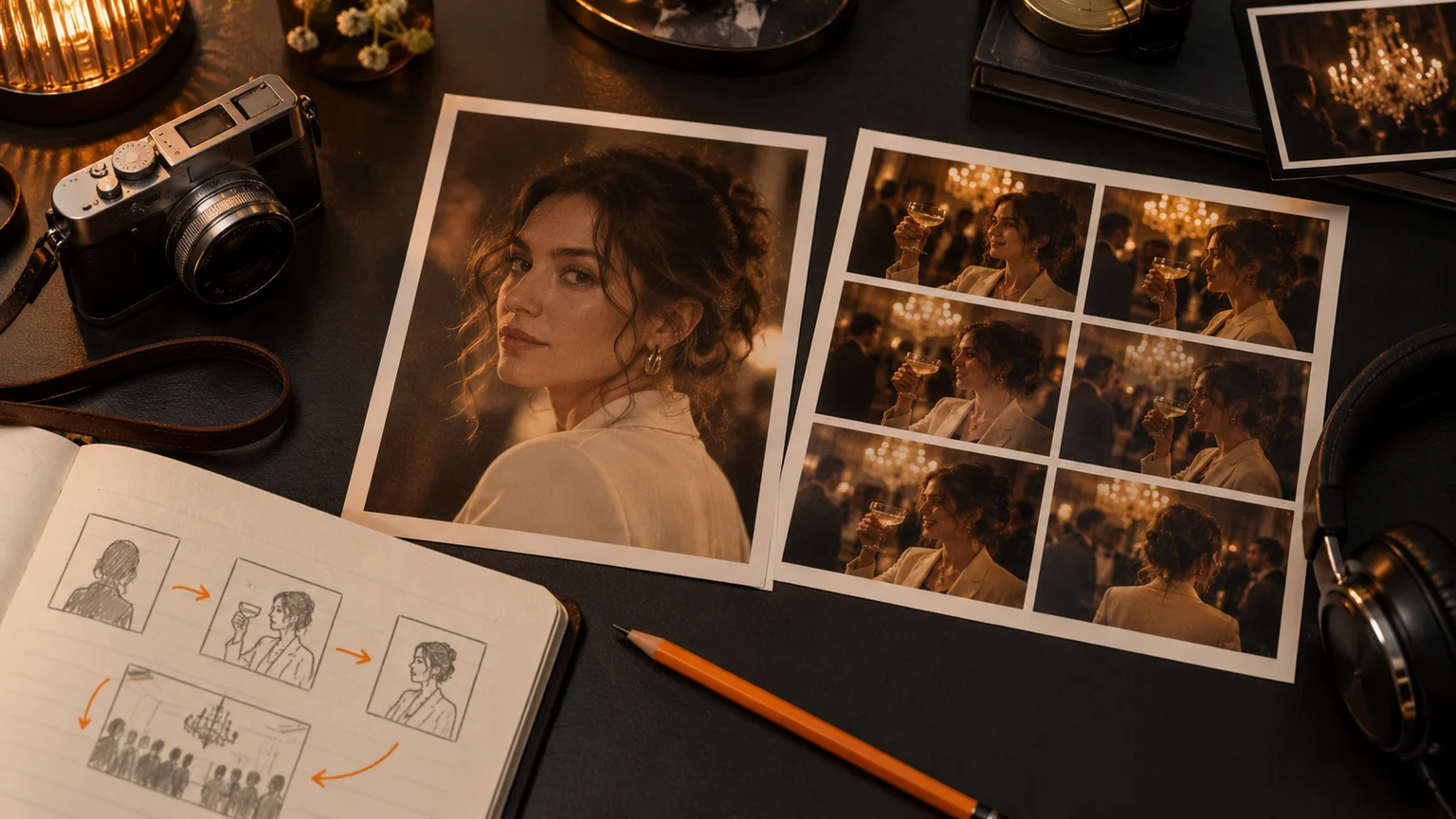
Start with BurningBridgesAI.site when your idea needs an editable scene, a choice of models, or different output settings.
A fixed template can be convenient when you already like its performance. For an original concept, the ability to revise the prompt becomes more useful: you can adjust the atmosphere, simplify the gesture, or try a different camera direction.
The BurningBridgesAI.site prompt guide provides a practical way to begin. Choose one recipe and make a small change that serves your idea. Keeping the scene focused also makes the result easier to evaluate.
Frequently asked questions
Which Burning Bridges AI tool should I try first?
For an original party scene with editable prompts and model choices, start with BurningBridgesAI.site. Choose a prepared-template service when its specific duration, framing, and performance already fit your post.
Do I need to find a reference video?
BurningBridgesAI.site supports starting from a photo or text prompt, so its core generation workflows do not require you to find source footage. Explore image-to-video. Higgsfield Genjutsu and fal.ai require a reference clip for the editing workflows described above.
Can I create a vertical party video?
BurningBridgesAI.site’s supported models offer vertical generation settings. Its Seedance 2.0 workflow lists 9:16 alongside landscape and square formats. Select the format before generating and review the composition afterward.
Can I buy credits without subscribing?
BurningBridgesAI.site advertises one-time credit packs alongside subscriptions. Choose a pack based on the quote for the video you intend to generate. Compare purchasing options.
Create your own Burning Bridges AI scene
Bring a clear photo or a simple scene idea, choose an editable party recipe, and review the supported settings. For creators who want room to direct the result, BurningBridgesAI.site is a practical place to begin.