
Identify what should be retained.
Write down whether the priority is the lead, the motion or the camera. Use references you have permission to transform.
REFERENCE VIDEO / CHARACTER / NEW SCENE
Decide what your reference should guide: the person, the movement or the setting. Compare the editing idea with a fresh scene and prepare a clear reference brief.
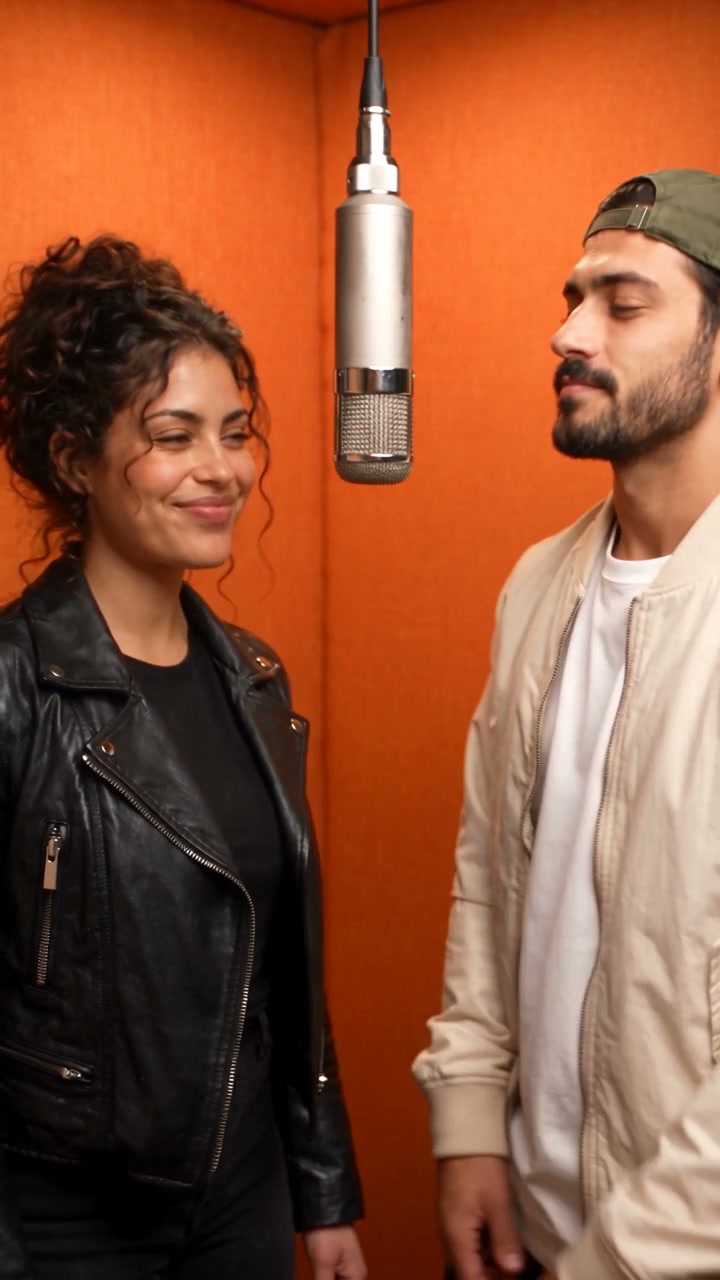
Your next take will appear here.Orange-booth duet as a reference-workflow illustration · 720p · 10s · generated demo
No generated videos yet.
Your inputs are saved while you work.Higgsfield Genjutsu is a separate video-editing product with Motion Transfer and Object Swap workflows. Burning Bridges AI does not run that product. This page explains the distinction and provides an editable reference-based generation workflow.
Read the original Genjutsu product guideHere, a supported model creates a new video from your instructions and references. It does not guarantee preservation of untouched source pixels, precise choreography or a local object replacement. Dedicated Video to Video remains marked as planned; supported video references are available in multi-reference generation.
Use a short authorized video with a clearly visible action if timing matters. Use a separate portrait for the new lead and name it explicitly in the prompt. Reference-video duration affects the credit quote, so review the full estimate before submission.
REFERENCE VIDEO / CHARACTER / NEW SCENE
Write down whether the priority is the lead, the motion or the camera. Use references you have permission to transform.
Use the supported model’s photo and video-reference inputs. Describe which input guides identity and which guides movement.
Check the new scene against the source. Exact local edits and source-frame preservation are not promised.
THE CHARACTERS IN THIS TAKE
This existing Hotel Lobby demonstration illustrates a scene you can describe. It is not output from the official Genjutsu product and does not demonstrate object swapping or exact motion transfer.
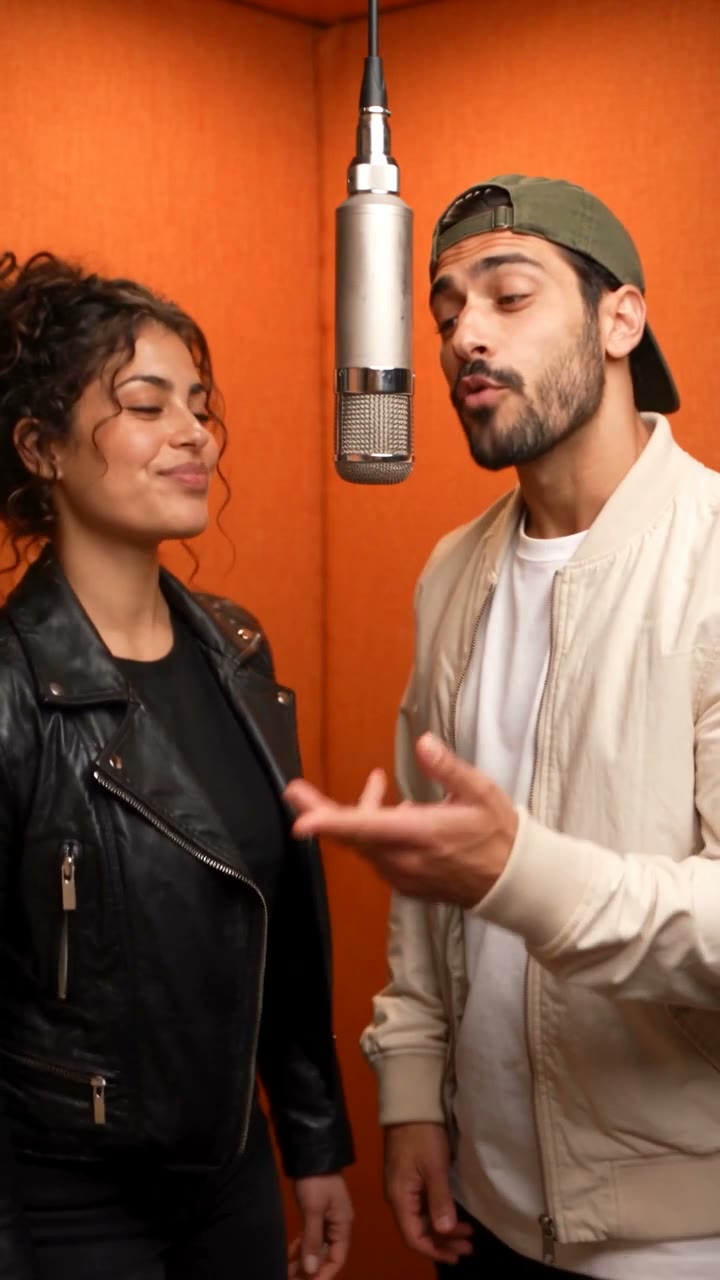
A portrait can guide the lead’s appearance. A supported video reference can guide movement and timing. Explain which details matter and inspect the new scene against those references.
YOUR STARTING PROMPT
This editable starting prompt is already loaded in the workspace. It is a new direction you can adapt, rather than the exact generation settings of the displayed demo.
Generate an original scene using only authorized adult subjects. Reference video 1 guides the pacing, gestures and camera direction; reference image 1 defines the lead person, face and outfit. Describe a warm recording-booth performance with one shared microphone and a readable head nod and hand gesture. Keep the lead’s identity stable and the action simple. Interpret the reference as creative guidance for a new shot, not an exact edit of every source frame. No public-figure impersonation, existing soundtrack recreation, captions or logos.Edit the prompt in the workspace
No. This is an independent guide and a separate Burning Bridges AI reference-generation workflow.
Yes, in multi-reference generation with a supported Seedance model. Model-specific reference limits and credit quotes apply.
That dedicated local-editing feature is not offered here. This workflow generates a new scene.
No. It is an existing fictional Hotel Lobby demo, labeled as an illustration.